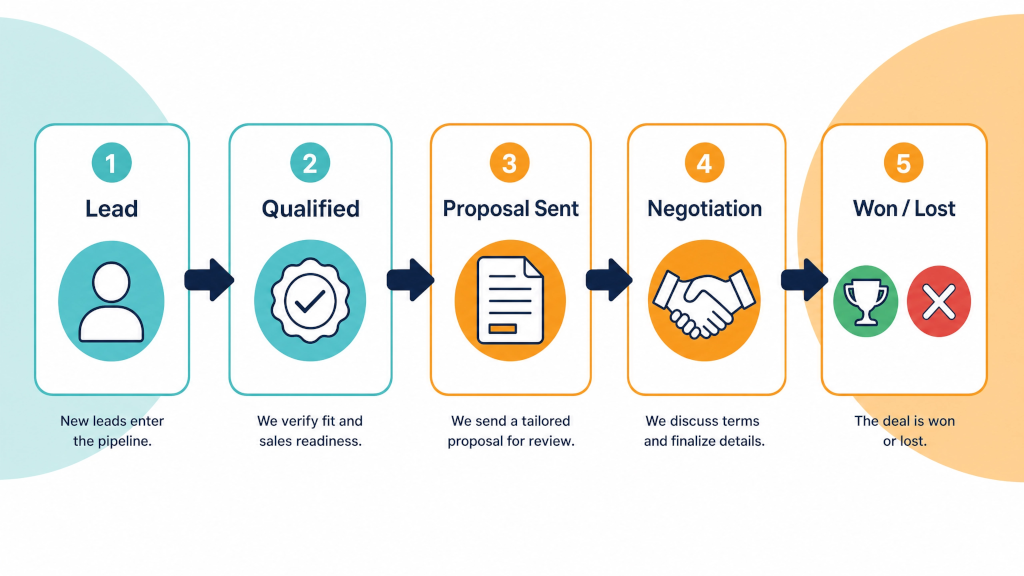
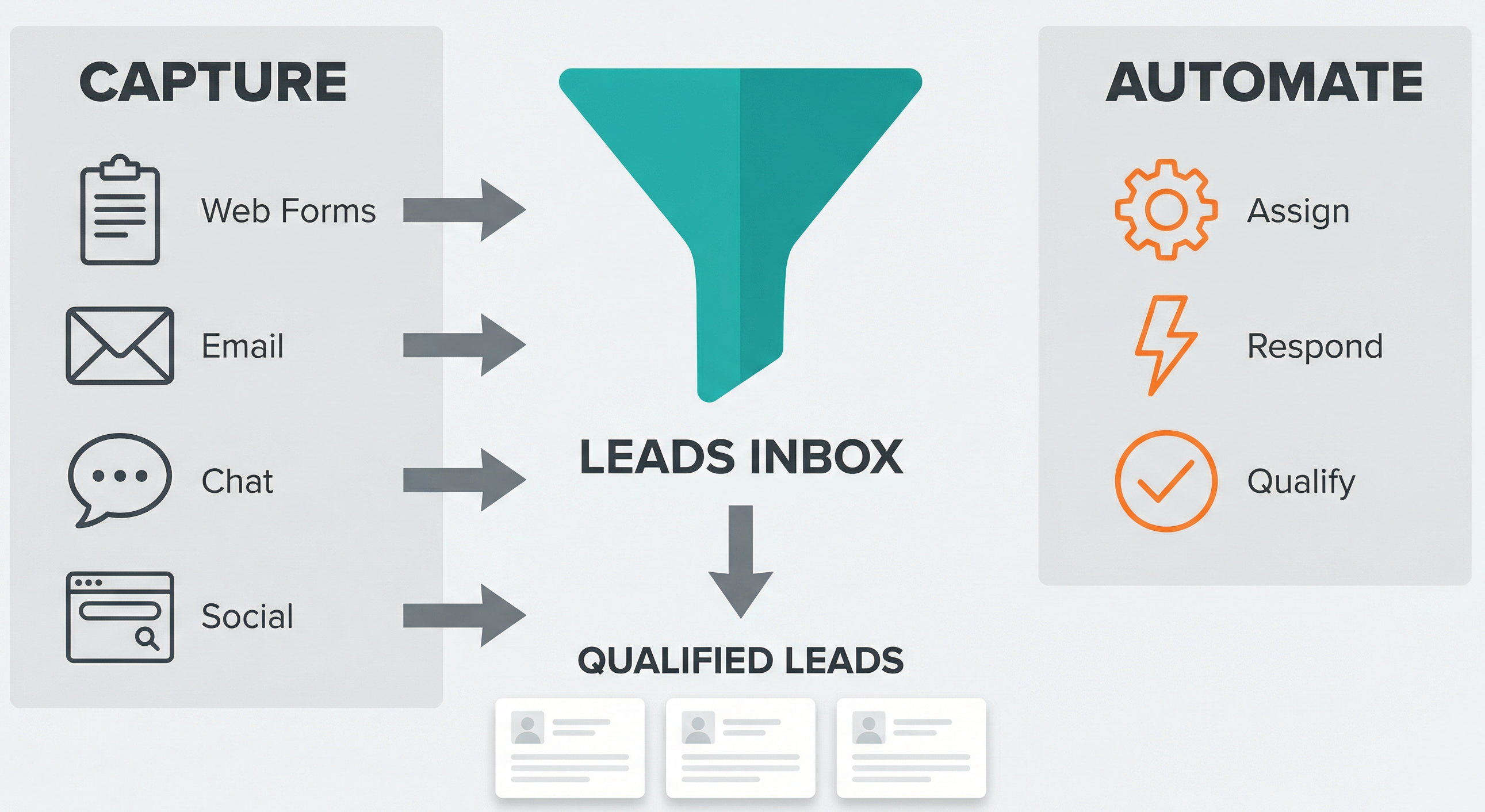
Now that we understand how to capture and organise incoming enquiries, it’s time to look at how you can scale that workflow. This is part 3 of my series on the Pipedrive Leads Inbox. In this article we’ll focus on automation and integrations. I’ll show you how to streamline lead capture, speed up follow-up, and build a system that supports your team as lead volumes grow.
With a growing lead flow, you want every enquiry to land in the right place without manual entry or the need to manually copy information between tools. Automation starts at the point where enquiries enter the business, and Pipedrive gives you several ways to capture leads and send them straight to the Inbox.
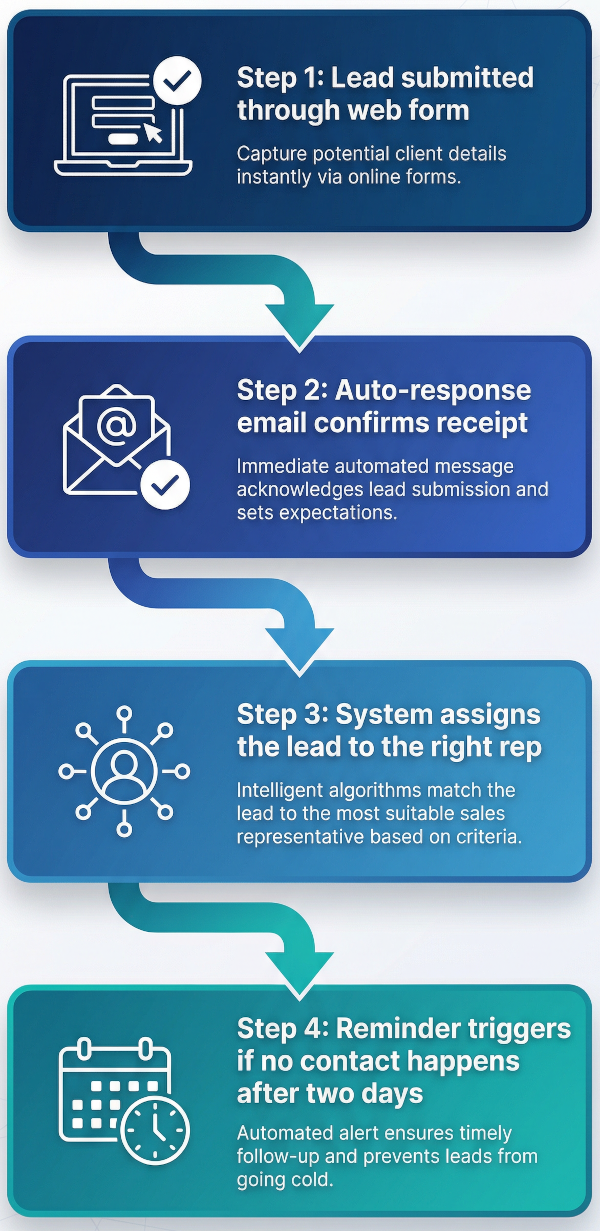
After you capture new enquiries, the next step is keeping on top of follow-up. Manual tracking works adequately when lead volumes are low, but it becomes increasingly difficult as more leads enter the Inbox. Automations help your team stay organised and reduce the chance of missing a lead.
Once leads enter the Inbox, you can speed up follow-up and reduce the amount of manual work. With Pipedrive you can create automations for assignment, first replies and follow-up tasks - helping each lead move forward without constant oversight. We also recommend using Make.com or Zapier to create more advanced follow up flows (e.g. integration with third party tools such as Active Campaign for lead nurturing campaigns and advanced lead scoring for example).
Automated Assignment: Set routing rules that assign leads to the right salesperson based on location, product interest or form answers. This creates a fair distribution of work and helps your team respond more quickly. Pipedrive's automatic assignment feature takes care of lead assignment for you.
Email Sequences: You can send an automatic first reply that confirms the enquiry and sets expectations. From there you can place leads into short sequences using Mailchimp, ActiveCampaign, ConvertKit or Outfunnel. These messages keep the lead warm while your team works through the queue.
Qualification Automation: Create small reminders that keep reps on track. For example, if a rep hasn’t made contact after a set number of days, you can trigger a task so that they follow up. You can score leads based on engagement and then apply labels such as hot, warm or cold so your team knows where to focus.
Integrations help you create much more advanced lead management workflows. They connect your marketing tools, proposal tools and enrichment data back into Pipedrive.
Marketing Integrations: Tools like Outfunnel sync tags and segments between your email platform and Pipedrive. Mailchimp and ActiveCampaign can build lists based on lead status, source or interest.
Proposal and Scheduling Tools: PandaDoc and Better Proposals can generate documents automatically when you convert a lead. Calendly logs booked meetings into Pipedrive, saving time for your reps.
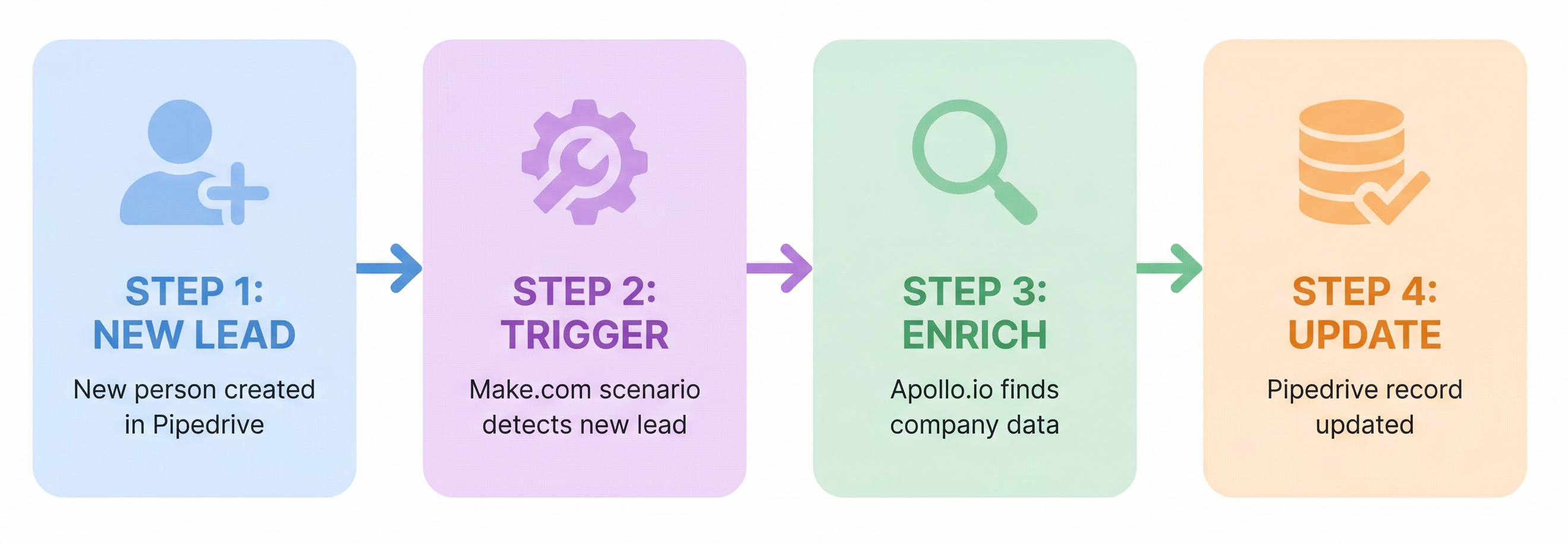
CRM Enrichment and Scoring: Apollo.io, Hunter.io and Pipedrive’s upgraded data enrichment feature fill in missing details like company size, industry and social profiles. Better data helps you prioritise leads with higher potential.
Below are sample workflows that show how you can combine triggers and actions to handle more specific lead scenarios.
An automation that enriches a new Gravity Form submission with third-party data and applies a label for segmentation.
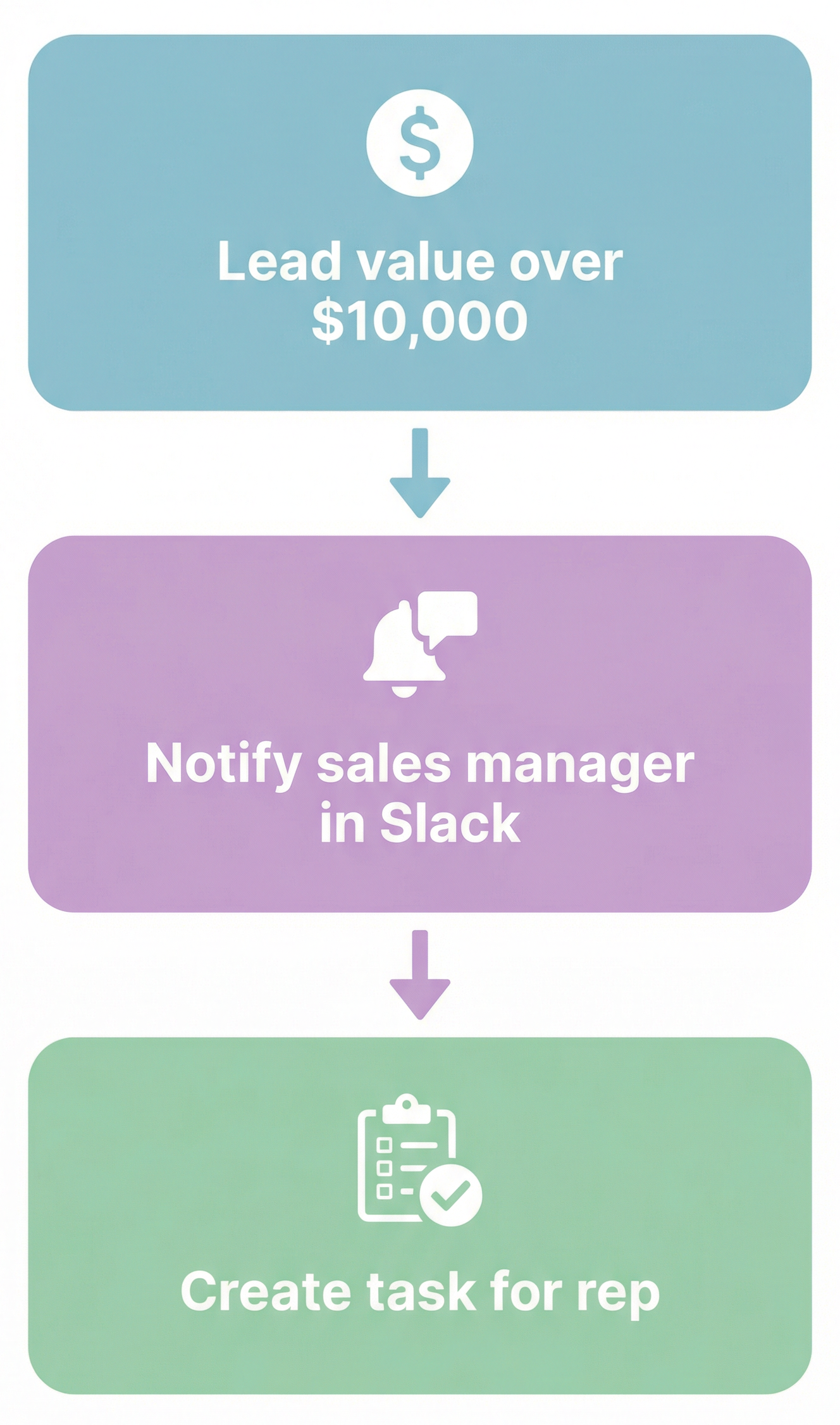
An automation that checks lead value, alerts the sales manager and creates a follow-up task for the assigned rep.
This third and final article in the series shows you how automation can support the lead workflow you’ve built. When assignment, follow-up prompts and data syncronisation run in the background, your team can spend more time on conversations that matter. These changes don’t need to be complex to make a difference, and even one or two workflows can have a big impact on how leads move through your system.
As an Authorised Partner, Process Culture can offer you a 30-day free trial of Pipedrive. Learn more about Process Culture's Pipedrive Consulting services.
If you're looking to implement sales automations like those discussed here contact us directly or read more about our sales automation services on our main service page.